
Qualifications
The Qualifications tab lists your certificates, courses and other qualifications, with type, from date and validity. The icon is blue while a qualification is valid and grey when it has expired.
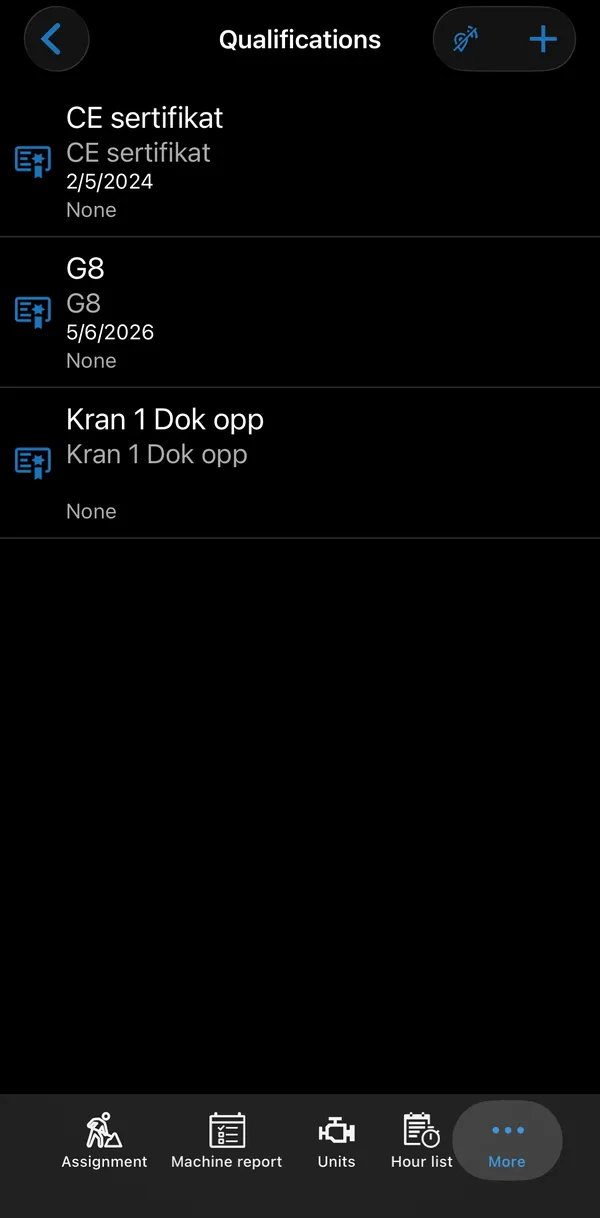
Tap + to add one, or tap a qualification to see it.
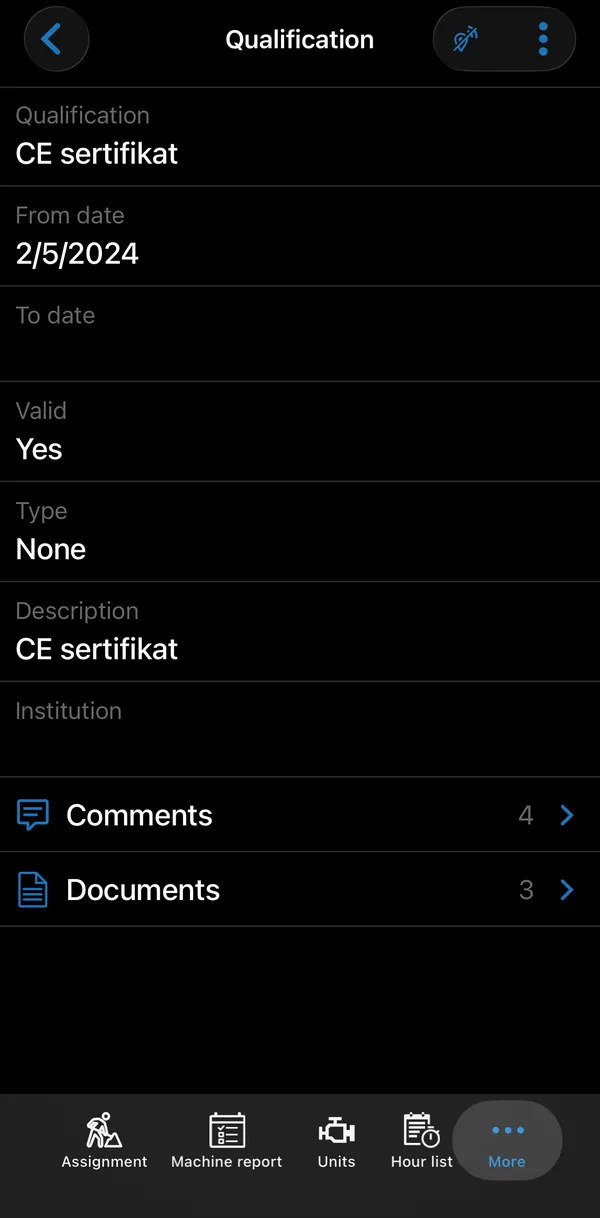
| Field | What it is |
|---|---|
| Qualification | The qualification code, picked from a list. |
| From date / To date | When it is valid. |
| Valid | Calculated from the dates. |
| Type | The kind of qualification. |
| Description | Free text. |
| Institution | Who issued it. |
Comments and Documents below the fields hold notes and copies of certificates. Only qualifications you added in the app can be edited there.