
Map
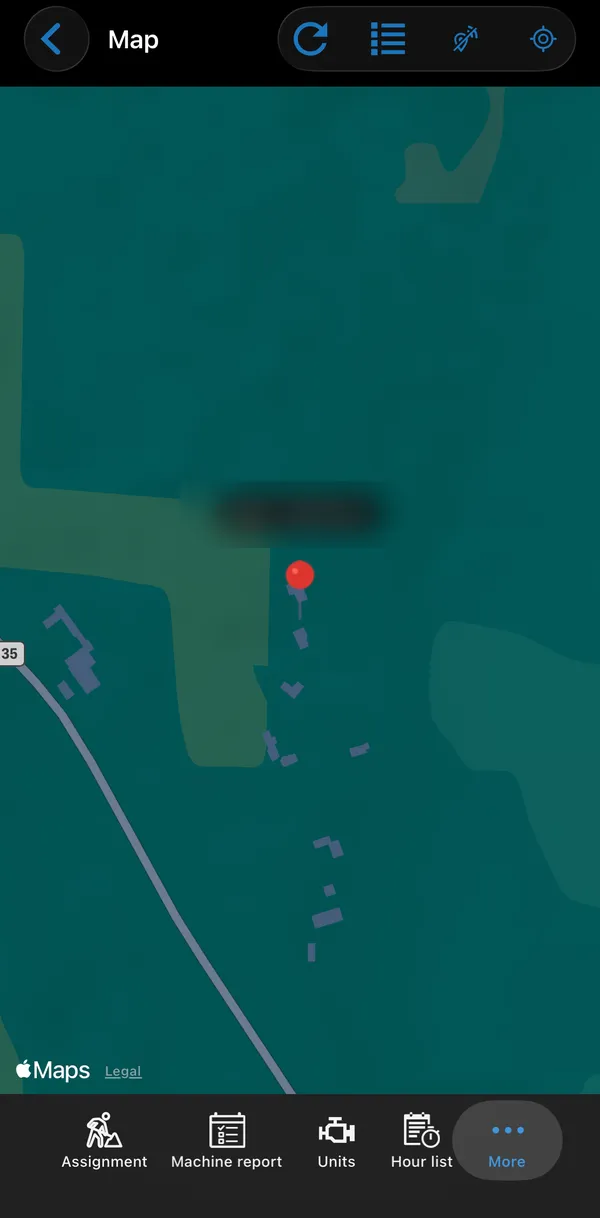
The Map tab shows the last known position of you and your co-workers. Tap a pin to see the employee’s information.
| Button | What it does |
|---|---|
| Refresh | Fetch the latest positions. |
| Co-workers | List the co-workers on the map, with the time of their last update. |
| GPS tracking | Shows whether your position is being shared. |
| Move to your location | Centre the map on you. |
Sharing your position
Section titled “Sharing your position”You can turn position sharing on and off at any time under Settings → ⋮ → GPS-tracking. When it is off, the crossed-out satellite icon is shown at the top of every screen.
Your position is only sent during business hours, as set up in Business Central. Outside those hours nothing is logged.
What is stored
Section titled “What is stored”There is no position history. Business Central keeps only each employee’s last known position, on the employee card. The app does not show positions that are more than 24 hours old.
Turning the map off
Section titled “Turning the map off”The map and position sharing can be turned off for the whole company or for individual users. When it is off, the Map tab is not shown. See Permissions.
Settings → ⋮ → Use Google Maps opens locations in the Google Maps app, when it is installed, instead of Apple Maps.